
Put your pace, distance, time, map and heart rate on your run and ride photos and videos. With Live Sync, the numbers move with your video, second by second, straight from your GPX file.
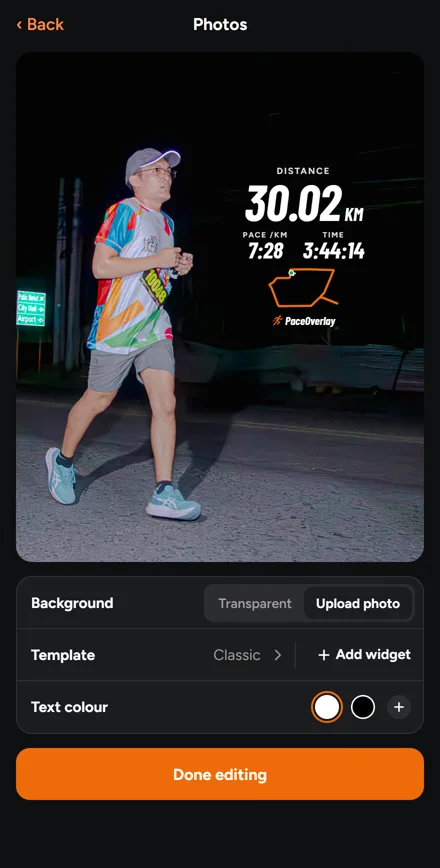
Pick a photo and your activity, and your distance, pace, time and map go on it, ready for your story.

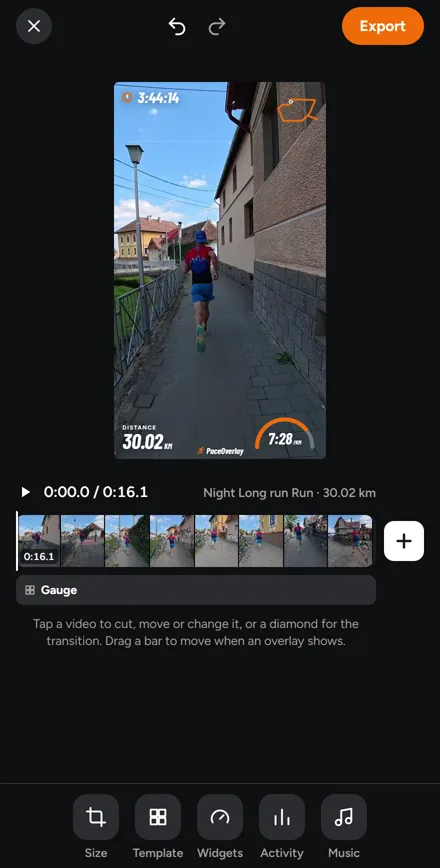
Join your videos, add your stats and a song, and export a clip ready for your reel or story.
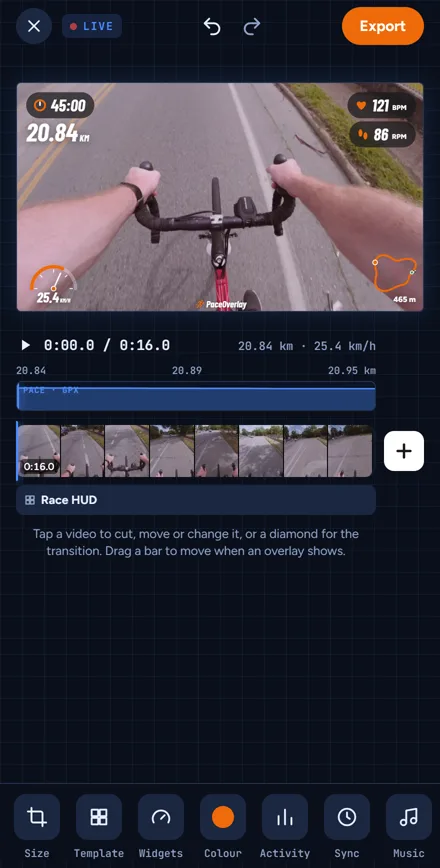
Add a video and the GPX file of the same run or ride. Your numbers change as it plays.
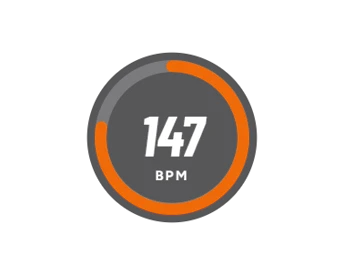
Rings, gauges, charts and speedometers in white, black or any colour, for every run and ride.
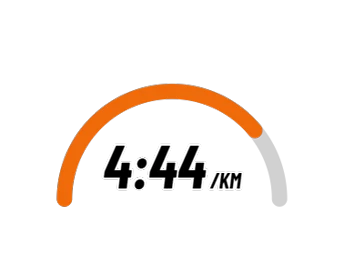
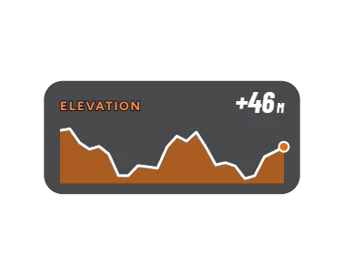
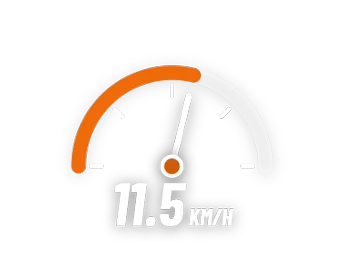
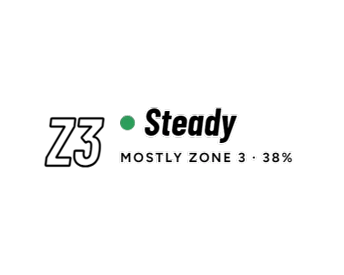
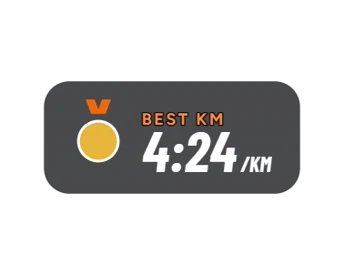
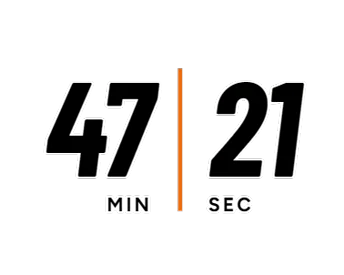
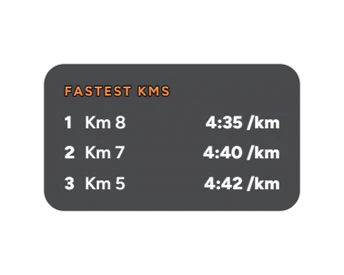
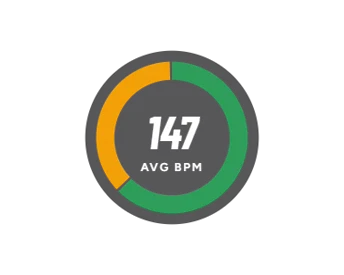
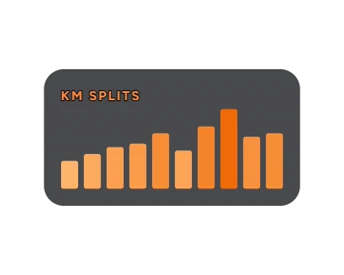
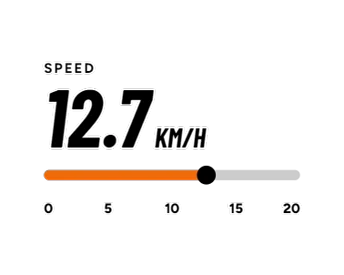
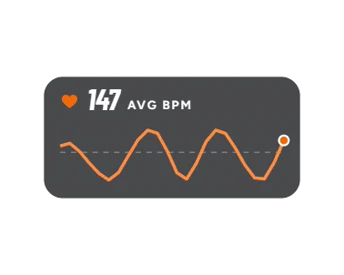

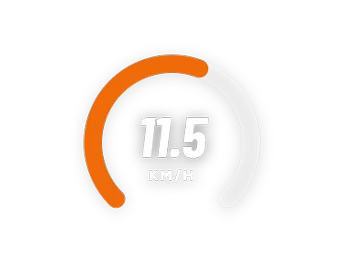
A mountain bike ride with the Hills template: the elevation chart fills in, the speedometer moves and the distance counts up, all from the ride’s GPX file.
Start free, no card needed. Upgrade in the app any time.
₱0
Forever
₱150 / month
₱1,799 billed once a year
Prices for the Philippines. Prices in other countries differ; the App Store or Google Play shows your price before you pay.
| Feature | Free₱0 foreverStart free | Profrom ₱150 / monthGet Pro |
|---|---|---|
| Pro | ||
| Templates | Simple | All |
| Widgets: charts, speedometers, splits | — | ✓ |
| No watermark | — | ✓ |
| Text colour | White, black | Any |
| Frame rate | 30 fps | 30 or 60 fps |
| Cloud | 2 GB | 20 GB |
| Included in both | ||
| Photos, Clips and Live Sync | ✓ | ✓ |
| GPX files, typed-in runs | ✓ | ✓ |
| Several videos per clip, music | ✓ | ✓ |
| 720p and 1080p, any shape | ✓ | ✓ |
| Try every Pro design before you buy | ✓ | ✓ |
I love how easy it is to add my running pace to my videos. It makes my run recaps look so much better, and sharing my progress feels even more rewarding.
Finally, a simple way to show my cycling stats on my videos! The pace overlay makes my rides more engaging and gives my clips that extra professional touch.
This is exactly what I needed for my running videos. No more manually adding pace text during editing. Just a clean overlay that makes my runs easier to share.
Coming soon to the App Store and Google Play. Use it in your browser today.
PaceOverlay puts your run or ride stats on your photos and videos: distance, pace, time, your route map, heart rate, elevation and more. Pick a template, move it where it looks best, and share it to your story. Photos is for pictures, Clips for videos, and Live Sync for videos whose numbers move as they play.
Yes. Photos, Clips and Live Sync are free, with the Simple templates, music, several videos per clip, 720p and 1080p exports, a small PaceOverlay mark on each export and 2 GB of Cloud. You can try every Pro design in the editor before you buy.
Pro is ₱249 a month, or ₱1,799 a year, which works out to about ₱150 a month (save 40%). You pay through the App Store or Google Play, which show the price for your country in your own currency before you pay.
Yes. Cancel from your App Store or Google Play subscriptions whenever you like. You keep Pro until the end of the time you already paid for. Nothing is deleted: your projects and activities stay; only the Pro designs lock again.
Any that can give you a GPX file: Garmin, COROS, Suunto, Polar, Wahoo, Apple Watch apps, Strava and more. Upload the file once and use it for any photo or video. No file? Type in your distance and time instead.
Yes. PaceOverlay knows a ride from a run and shows your speed instead of pace, with speedometer widgets for Live Sync. You can also switch everything to miles.
Your phone or camera saves the time each video was filmed, and your GPX file has the time of every point of your run. PaceOverlay lines them up, so the numbers change as the video plays. If your camera’s clock was off, slide the ruler to move it to the second.
The iPhone and Android apps are coming soon to the App Store and Google Play. You can use PaceOverlay in any browser today, with the same account.